HVAC LiDAR scan
HVAC LiDAR scanning that measures the home while you walk it
An HVAC LiDAR scan uses the depth sensor on an iPhone Pro or iPad Pro to capture rooms, walls, windows and ceiling heights as you walk the house. Tradewright turns that scan, or an uploaded floor plan, into correctable geometry that feeds a room-by-room Manual J, and reads the existing equipment from a nameplate photo.
How to scan a home with Tradewright
Step 1: Walk each room
Open the scan on a LiDAR-equipped iPhone Pro or iPad Pro and walk each room. Walls, openings and ceiling heights are captured as you go.
Step 2: Or upload a plan
No LiDAR device, or no access to every room? Upload a floor plan from any device instead.
Step 3: Correct the geometry
Review the model and fix any wall, window, door or ceiling height before it reaches the load calculation.
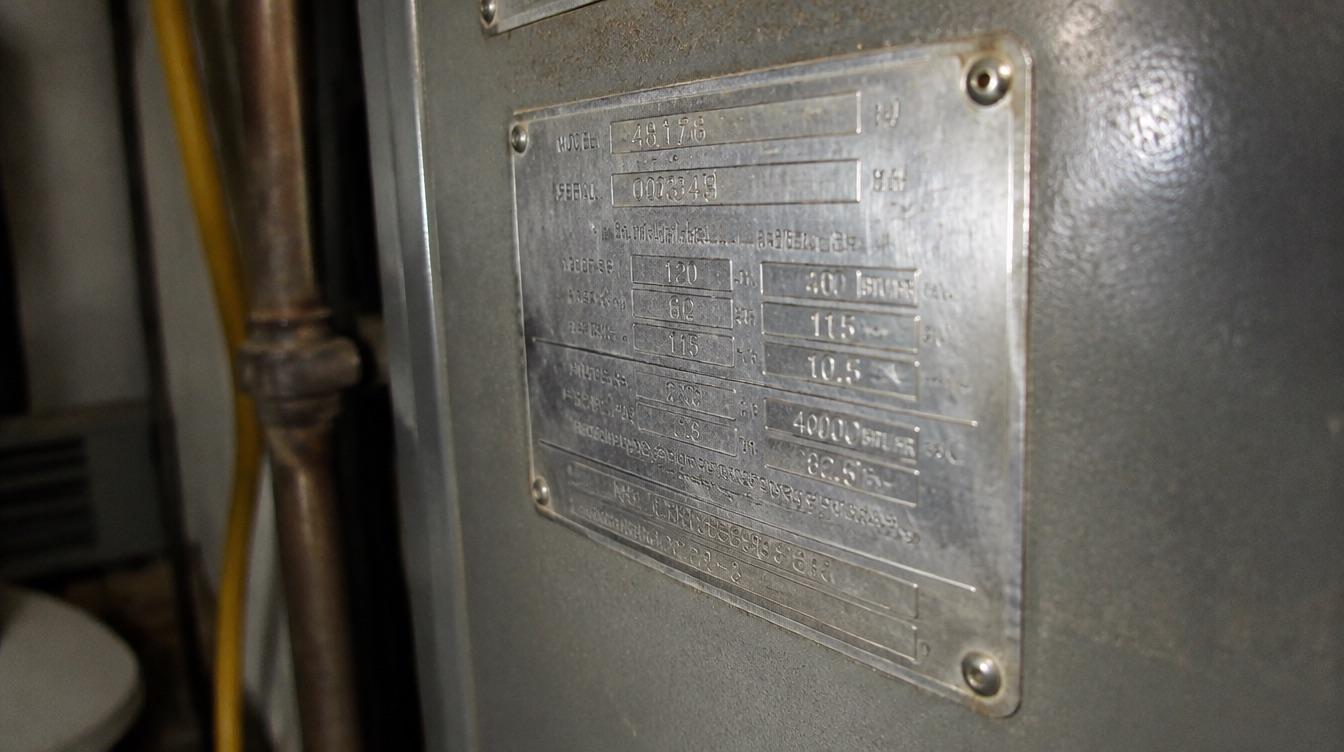
Step 4: Photograph the nameplate
Snap the nameplate on the existing equipment. Tradewright reads it so you know what is installed today.
Who it is for
Comfort advisors
Capture accurate geometry without a tape measure and a sketch pad.
Designers
Get measured rooms to work from instead of a rough square footage.
Teams with mixed devices
Scan on iPhone Pro or iPad Pro, or upload plans from any device.
Replacement jobs
Record the existing equipment from a nameplate photo during the same walk-through.
Ways to measure a house, compared
| Rules of thumb | Load-calc-only tools | Tradewright | |
|---|---|---|---|
| Room-by-room geometry | No | Some | Yes |
| LiDAR scan on iPhone Pro or iPad Pro | No | Some | Yes |
| Plan upload on any device | No | Some | Yes |
| Correctable before the load calculation | No | Yes | Yes |
| Existing equipment read from a nameplate photo | No | No | Yes |
Columns describe software categories and common practice, not specific vendors.
Questions
Which devices can scan a home?
LiDAR scanning works on iPhone Pro and iPad Pro models, which have the LiDAR sensor. On any other device you can upload a floor plan instead.
What does the scan capture?
Rooms, wall lengths, windows, doors and ceiling heights, which become the geometry for the room-by-room Manual J.
What if the scan gets something wrong?
You can correct any wall, opening or ceiling height before the geometry is used in the load calculation.
Can I use a floor plan instead of scanning?
Yes. Upload a plan from any device and the geometry is correctable in the same way as a scan.
What does the nameplate photo do?
Tradewright reads the nameplate on the existing equipment from a photo, so the proposal starts from what is installed today.
Does the scan replace the Manual J?
No. The scan supplies the geometry. Tradewright then runs a room-by-room Manual J using that geometry plus the construction details your team confirms.
See a home scanned and load-calculated in one visit.
A 20-minute demo on a real home in your territory.